If you’ve decided to build or relaunch your website on a no-code platform, you’ll almost certainly run into the Weebly vs Wix question. Both promise drag-and-drop editing, both are hosted solutions, and both are designed for people who don’t want to manage servers or write code. On the surface, they look similar.
But once you look at design flexibility, feature depth, app ecosystems, and long-term growth, the differences between Weebly and Wix become impossible to ignore. Choosing the right one isn’t just about what feels easiest this weekend; it’s about where you want your site and your business to be in a year or two.
In this article, we’ll break down how Weebly and Wix really compare, where each platform fits, and how to decide which builder is the better match for your website and your plans.
1. How Weebly and Wix Work Behind the Scenes
Both Weebly and Wix are hosted website builders. You create an account, choose a template, and build your site from inside a browser interface. Hosting, the builder itself, and basic features come bundled into one subscription.

With Weebly, the experience is intentionally simple and somewhat constrained. You work with a limited set of templates, a straightforward drag-and-drop editor, and a small app marketplace. The platform hides most complexity from you, which is comforting at the start but also means you don’t have many levers to pull once you want something more advanced.
Read more: Weebly In-Depth Review — Advantages, Drawbacks and Core Features
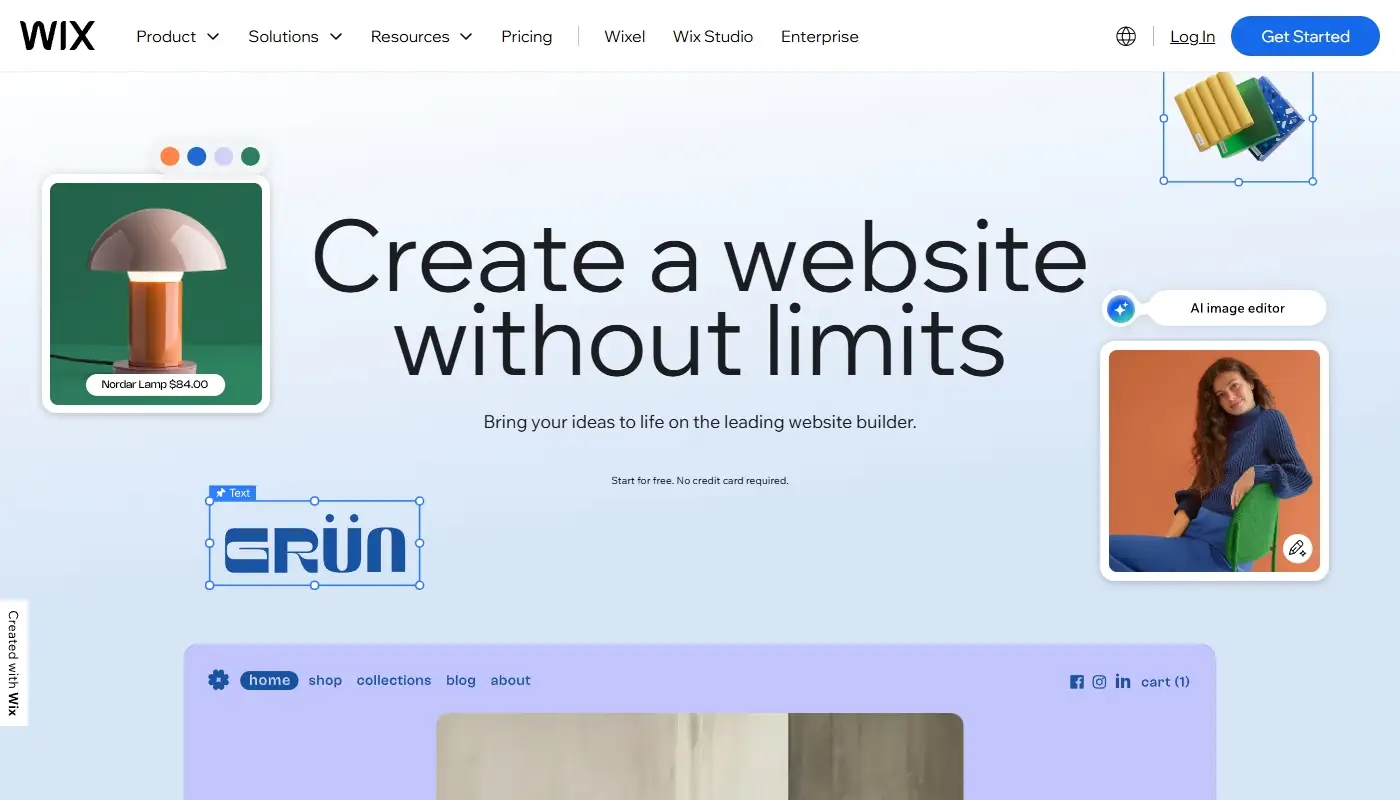
With Wix, the underlying idea is similar, but the builder is far more ambitious. You still get a hosted, all-in-one package, but the editor exposes more options, the template collection is larger, and the app market is significantly richer. Wix also offers different editing modes (like the classic Wix Editor, Wix Studio and AI-assisted tools), which let you choose how hands-on or automated you want your design process to be.
Read more: Wix In-Depth Review — A Complete Guide to Its Features and Benefits
On a structural level, both tools are “closed gardens” where you’re working inside someone else’s ecosystem. The difference is that Wix’s garden is larger, more actively developed, and gives you more room to grow before you hit hard limits.
2. Ease of Use: Which Builder Feels Simpler?
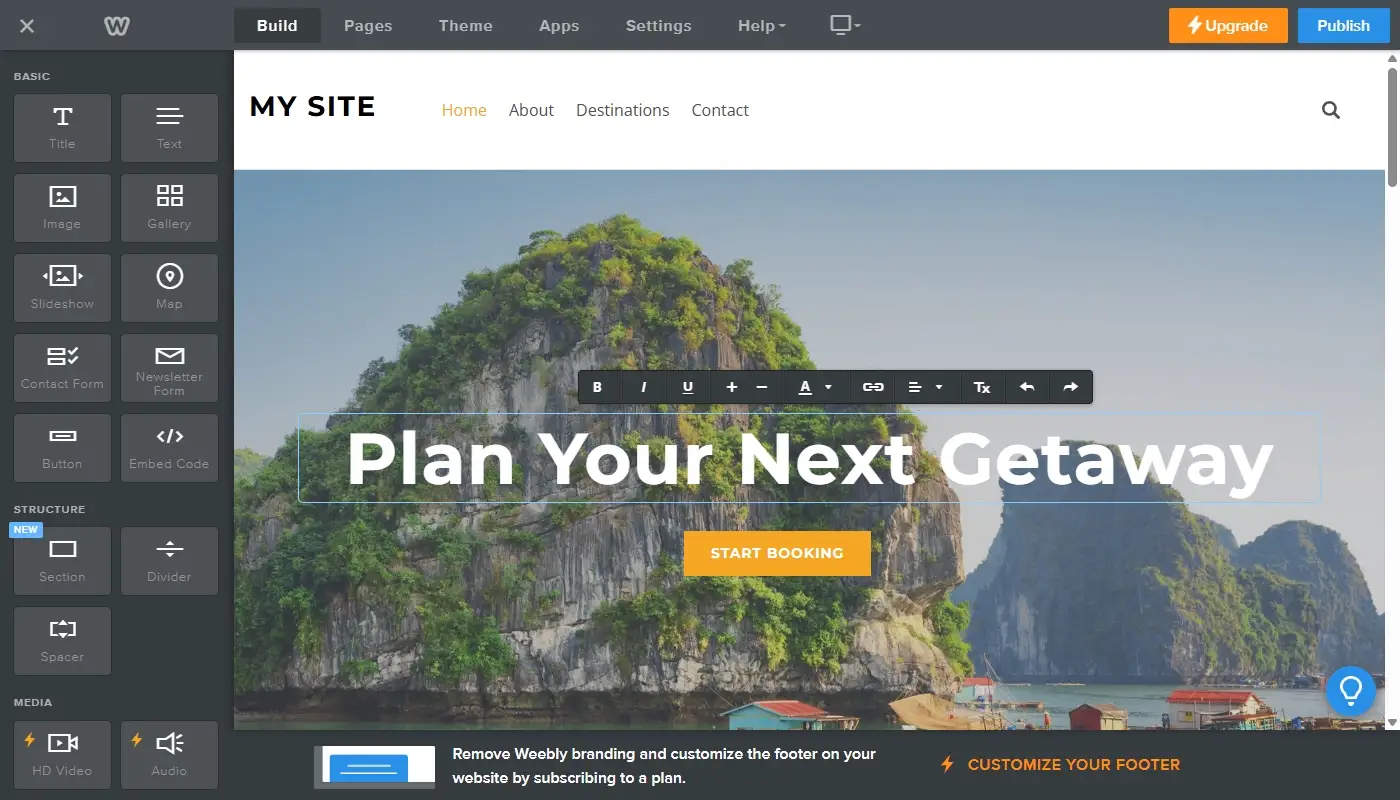
One of Weebly’s biggest selling points has always been simplicity. The interface is almost impossible to get lost in. You drag content blocks onto the page, type in your text, add images, and you’re done. This makes Weebly feel welcoming for people who are intimidated by technology or who only need a very basic online presence.
The trade-off is that Weebly’s editor is simple partly because it doesn’t expose many options. When you want to adjust layout details, experiment with more complex sections, or create non-standard page structures, you quickly feel that the builder is working against you instead of with you.
Wix sits in a slightly different spot on the ease-of-use spectrum. It is still aimed at non-technical users, but it gives you significantly more control. You can drag elements almost anywhere on the canvas, adjust spacing and alignment in detail, and work with more advanced layouts. For complete beginners, this can feel a little more complex at first, but once you understand the basics, it’s much easier to achieve the exact layout you have in mind.
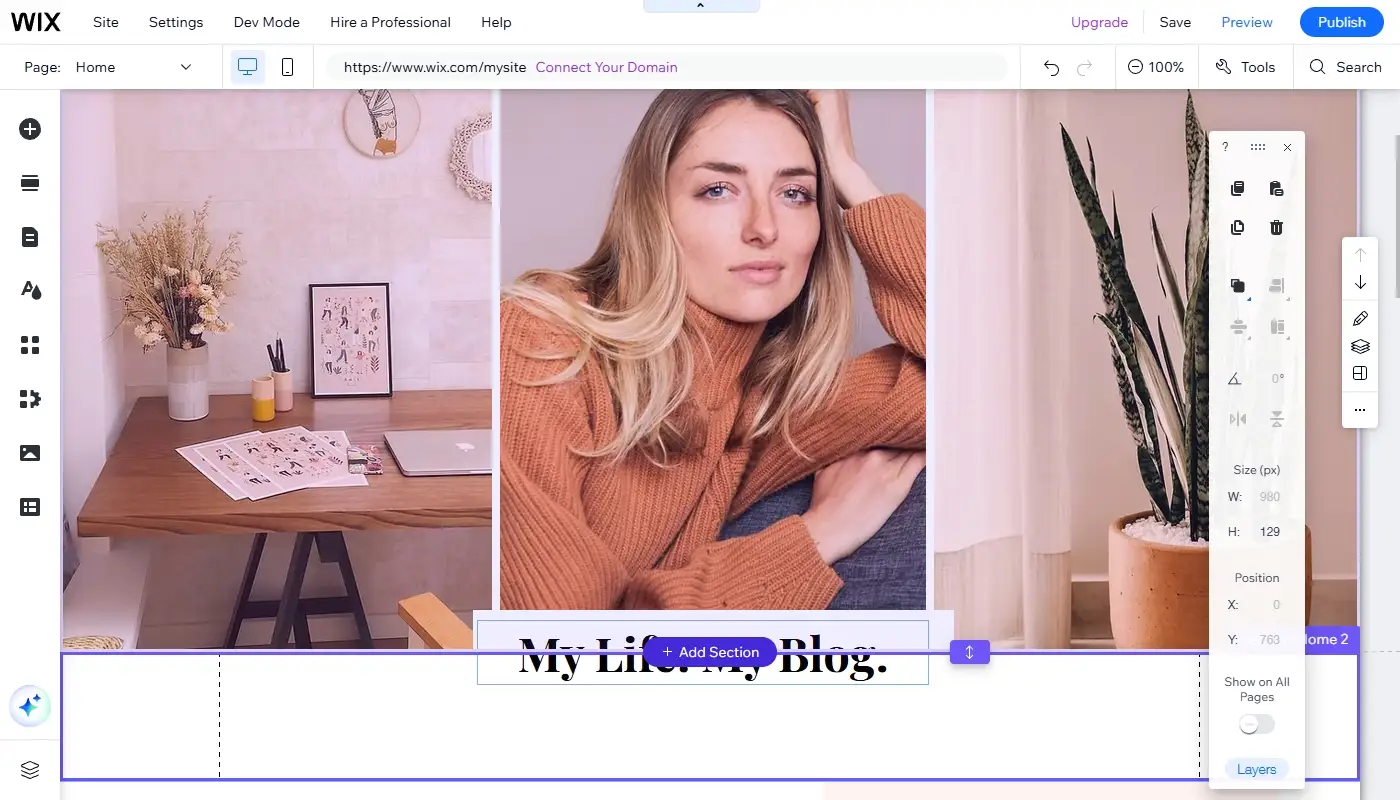
If all you want is a simple “online business card” with a couple of pages, Weebly’s ultra-simple approach can feel enough. If you want something that looks more like a modern, professionally designed website, Wix’s slightly steeper learning curve usually pays off very quickly.
3. Templates and Design Flexibility
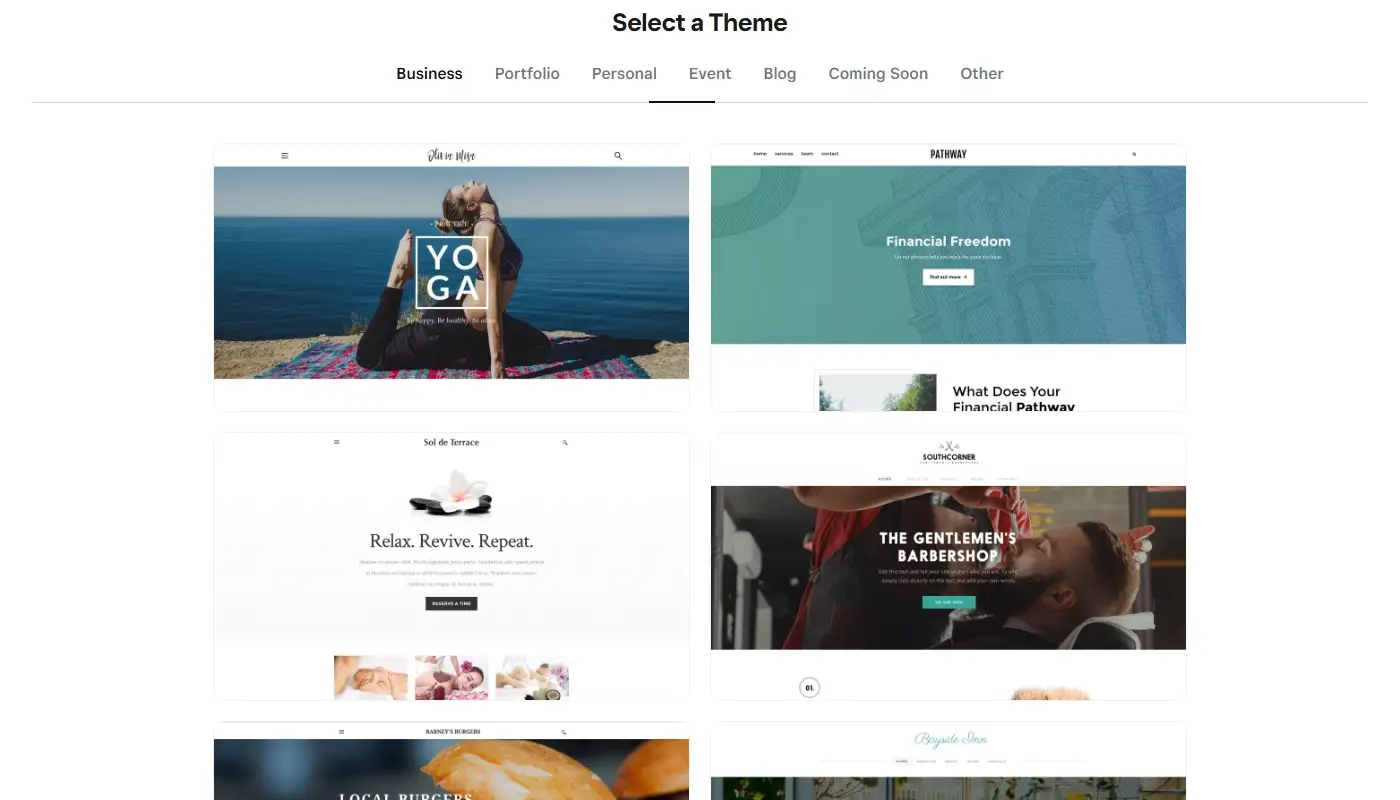
Weebly offers a modest collection of templates. They are clean, serviceable, and easy to tweak with basic controls for colors, fonts, and sections. For straightforward sites, these templates can be perfectly adequate. However, they tend to look similar to each other, and the overall design language feels more limited and more static compared to newer builders.
The constraints really appear when you try to break out of standard layouts. Unique hero sections, asymmetric grids, bold typography combinations, and complex visual storytelling are harder to execute cleanly inside Weebly. You can do “fine”; it’s much harder to do “wow.”
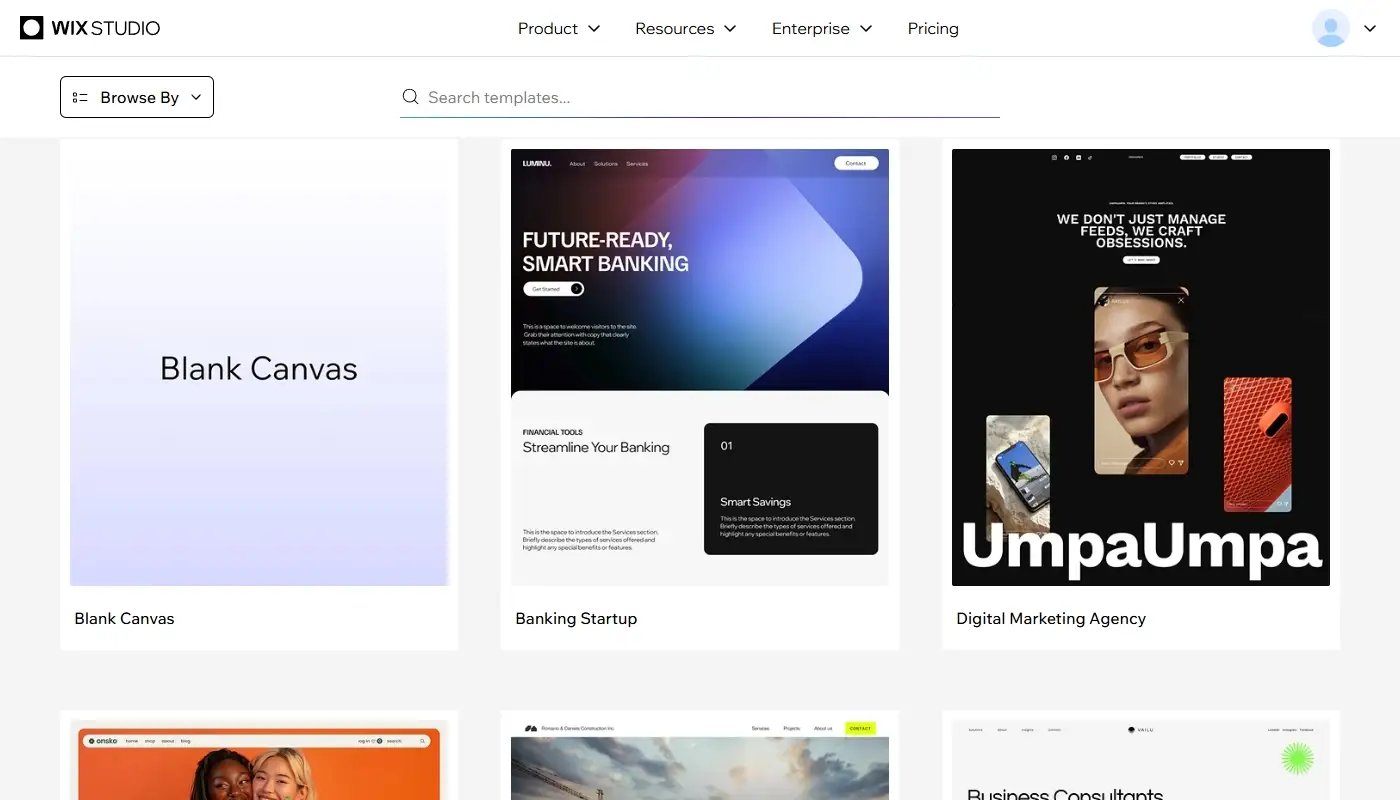
Wix, in contrast, is built around a much broader design system. You get a large and constantly refreshed gallery of templates across niches – restaurants, coaches, photographers, agencies, online stores and more. Many of them come with multi-page structures, pre-built sections, and design details that feel closer to what you’d expect from a custom design.
Beyond templates, Wix gives you deeper control over layout and styling:
- More granular spacing and alignment
- Reusable design elements and sections
- Animations and scroll effects
- Richer typography and color systems
If you care about your site’s visual identity and want it to look current and on-brand, Wix is simply more capable as a design tool than Weebly.
4. Apps, Integrations and Advanced Features
Modern websites rarely exist in isolation. You may need email marketing integrations, booking systems, live chat, contact forms, event calendars, or connections to CRM and automation tools.
Weebly does offer an App Center with additional widgets and integrations, but it is relatively small and limited in scope. You can cover some basics, but the selection thins out quickly when you look for more advanced or niche functionality.
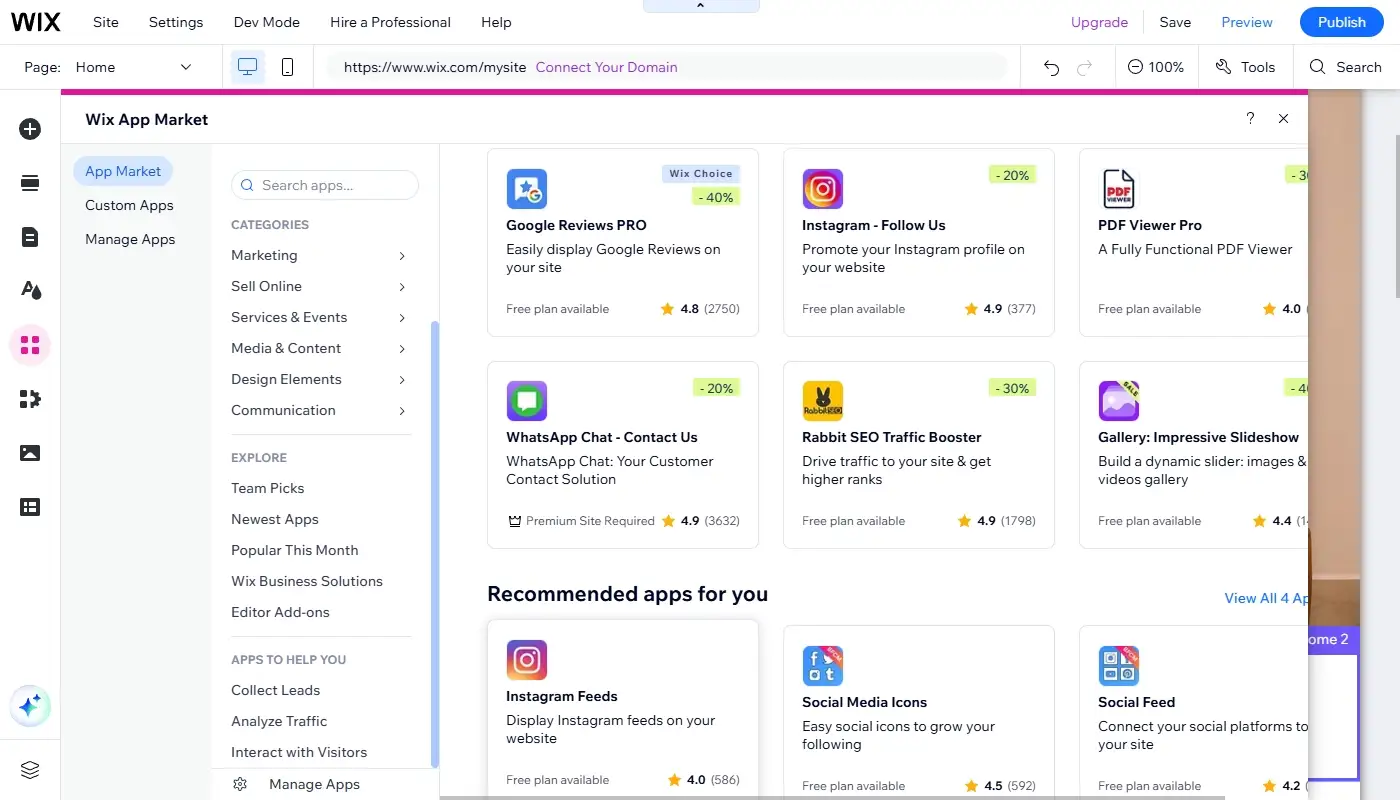
Wix’s App Market is far more extensive. You’ll find:
- Multiple form and lead-capture solutions
- Booking and scheduling tools for service businesses
- Restaurant menus and ordering integrations
- Event and ticketing apps
- Social feeds, chat tools and review widgets
- Marketing, automation and analytics add-ons
Because the ecosystem is larger and more active, you have a better chance of finding a ready-made tool that supports your specific workflow. And if you later decide to extend your site with new features – online courses, memberships, gated content – Wix gives you more options to do that without changing platforms.
5. SEO, Performance and Growth Potential
If your site is purely a digital brochure you send only to people you already know, SEO might not be a big factor. But for most businesses, organic search and long-term visibility matter.
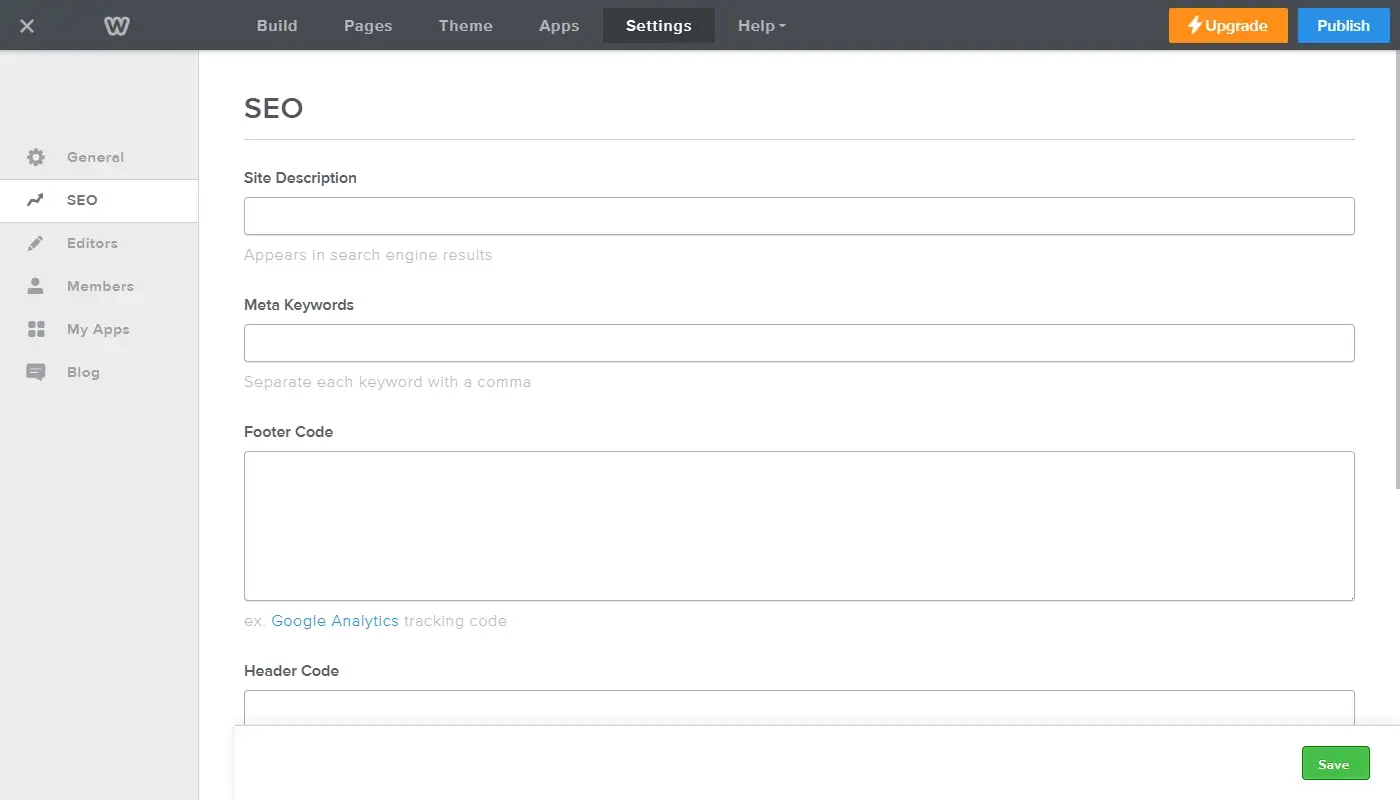
Weebly provides basic SEO controls: you can edit titles and meta descriptions, set simple URL structures, and add some header tags. For very small sites and low-competition keywords, that might be enough. However, you have limited control over deeper technical aspects and less influence over performance optimization.
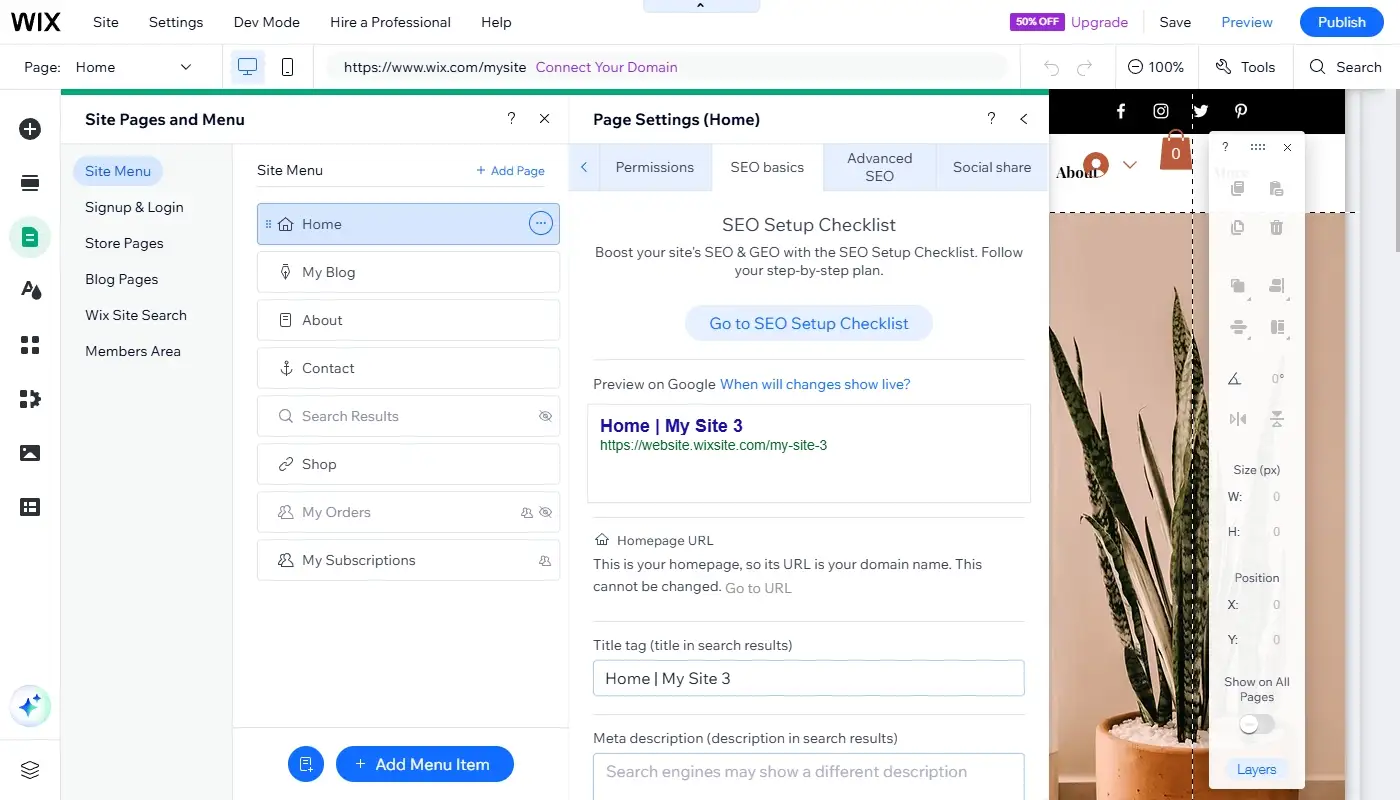
Wix has invested heavily in SEO tools and infrastructure in recent years. You still don’t get the same level of control as on a fully open platform, but you do get:
- More granular control over meta tags and URL structure
- Integrated redirects and SEO patterns for certain content types
- Better structured data support via built-in tools or apps
- More guidance inside the platform on SEO best practices
On the performance side, both Weebly and Wix handle hosting for you, but Wix’s more active development means you’re benefiting from continuous improvements on the platform level. You still need to be thoughtful about how many heavy apps, large images, and complex layouts you use, yet the overall environment is more geared towards supporting growing sites.
If you’re serious about growing your site and want as much SEO support as a hosted builder can reasonably offer, Wix is usually the more future-friendly option.
6. Pricing and Value Over Time
Both Weebly and Wix use tiered pricing models where you pay a monthly or yearly fee for a bundle of hosting, features, and support.
Weebly’s plans tend to look simple and affordable, especially at the lower tiers. For a basic site without advanced requirements, the cost of entry feels low. The catch is that as you need stronger eCommerce, more professional features, or higher limits, you run into the edge of what Weebly offers – not just in price, but in capability. You may find yourself paying for a higher tier while still feeling constrained.
Wix’s plans can look slightly more expensive on paper, especially if you opt for more advanced site or business plans. However, you’re paying for a richer toolset: better design options, a larger app market, more growth-oriented features and more active development. Over time, that tends to translate into better value if your site actually contributes to your business.
In other words, if the website is a low-priority side asset, Weebly’s lower tiers might feel attractive. If the website matters to your brand, lead generation, or sales, Wix’s combination of price and capability is often more cost-effective in the long run.
7. Weebly vs Wix: Key Differences at a Glance
Here’s a quick side-by-side comparison to crystallize the differences:
| Aspect | Weebly | Wix |
| Overall positioning | Simple, entry-level site builder | More advanced, design-driven builder |
| Learning curve | Very low, highly beginner-friendly | Still beginner-friendly, but with more options to understand |
| Templates & design | Limited templates, basic customization | Large, modern template library, strong design and layout control |
| Apps & integrations | Small App Center, covers only essentials | Rich App Market with many niche and advanced tools |
| SEO capabilities | Basic meta and URL control | More comprehensive SEO tools and guidance |
| eCommerce | Sufficient for small, simple stores | More capable for growing stores and branded shopping experiences |
| Growth potential | Good for staying small | Better for evolving sites and businesses with growth ambitions |
| Lock-in and portability | Proprietary, limited export options | Also proprietary, but with a broader ecosystem and more paths to grow |
| Best for | Very small, low-stakes websites | Serious small businesses, creatives and brands that want to scale |
This table isn’t about declaring one platform universally “better,” but about making it clear that they are not equivalent tools. They’re aimed at different levels of ambition.
8. How to Decide Which Builder Is Right for You
Instead of asking “Which is better, Weebly or Wix?” in the abstract, it’s more useful to ask “Which is better for my next two to three years?”
Weebly may be enough if:
- You need a small, simple site with just a few pages.
- You don’t plan to rely on SEO, blogging, or content marketing.
- Your site doesn’t have to stand out visually or support complex features.
- You genuinely want the simplest possible builder and are okay with its limits.
Wix is usually the smarter choice if:
- Your website is part of a real business or brand, not just a placeholder.
- You care about design quality and want your site to feel modern and on-brand.
- You plan to experiment with content, SEO or marketing campaigns.
- You want access to a larger app ecosystem and room to add features over time.
- You prefer to invest once in a platform that can grow with you, instead of migrating again later.
A helpful mental model is this: Weebly is designed to solve the problem “I need a website, any website.” Wix is designed to solve the problem “I need a website that can actually support and reflect my business.”
Need guidance for a quick move? Get in touch to make it a success!
Read also: Best Weebly Alternatives — Top Platforms for Moving Your Website