If you’ve been using Weebly for several years, the platform may still do the basic job: your pages are online, the editor is familiar and you can update text or products without touching code. At the same time, it is increasingly difficult to ignore how much the website-builder market has changed around it.
Modern platforms now combine responsive design systems, AI-assisted site creation, structured content management, advanced commerce, automation and deeper SEO controls. Weebly remains available, but its traditional editor and feature ecosystem no longer develop at the same pace as the leading alternatives. Its close connection with Square also means that much of the surrounding product direction is focused on payments, point-of-sale tools and straightforward online selling rather than on turning Weebly into a more flexible general-purpose design platform.
That leaves many site owners asking a practical question:
“What are the best Weebly alternatives, and which platform should I move to?”
The answer depends on what your website is supposed to become. A local business that needs appointments has different priorities from an online store, a content publisher, a design agency or a restaurant using Square POS. The best replacement is not simply the platform with the longest feature list. It is the one that solves your current limitations without creating a new set of problems two years from now.
In this updated guide, we’ll compare the strongest Weebly alternatives, explain where each one fits, and show how to plan a migration without losing important content, rankings or business data.
Why People Move Away from Weebly
Most migrations do not begin with a complete technical failure. They begin with a growing collection of small limitations:
- The website looks dated next to newer competitors.
- The editor makes non-standard layouts difficult to create.
- Mobile pages work, but you cannot fine-tune responsive behavior in enough detail.
- The apps you need for CRM, email, analytics, bookings or automation are missing or limited.
- Blogging, structured content and large content libraries are harder to scale.
- The store needs more advanced inventory, shipping, subscriptions or merchandising tools.
- You want stronger SEO controls and a platform with a clearer development roadmap.
Weebly is still useful for a simple site that already works and does not need to change much. The problem appears when the website becomes part of daily business operations. Once it generates leads, processes orders, supports advertising or publishes content regularly, limited flexibility starts creating real costs. Teams spend time building workarounds, abandon ideas because integrations are unavailable, or postpone redesigns because the platform cannot support the result they want.
Portability is another factor. Weebly lets you download a static archive of a site, but that archive is not a complete migration package and cannot simply be imported back into Weebly. Database-driven areas such as blogs and stores need additional handling. That is why a move should be planned as a structured migration rather than treated as a one-click export.
Read also: Weebly In-Depth Review
Wix: The Most Natural Hosted Upgrade from Weebly
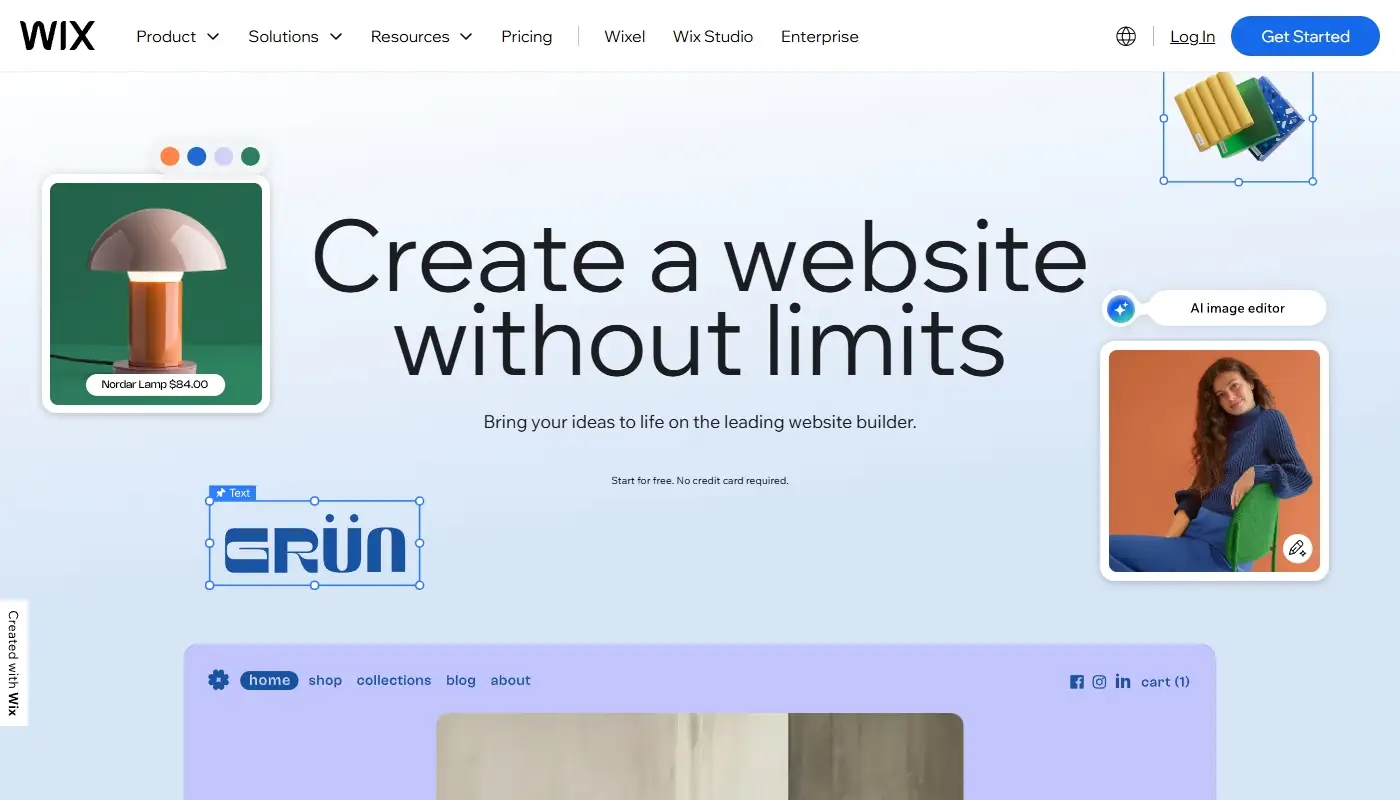
If you like the convenience of a hosted drag-and-drop builder but feel that Weebly is holding the site back, Wix is usually the most natural upgrade. Hosting, security, design tools and business features remain inside one managed ecosystem, so you do not have to become a server administrator. The difference is that Wix gives you far more room to design, integrate and grow.
What makes Wix a strong Weebly alternative?
- A much larger selection of modern templates across business, portfolio, restaurant, event and store categories.
- A more flexible visual editor with detailed controls for layout, spacing, typography and visual effects.
- Wix Studio for agencies and advanced users who need responsive breakpoints, collaborative workflows and more precise design behavior.
- Built-in AI tools for initial site creation, section generation, content, images, marketing and selected SEO tasks.
- A broad App Market plus native tools for bookings, events, restaurants, memberships, online programs and eCommerce.
- A visual CMS for structured collections and dynamic pages.
- More extensive SEO settings, redirects, structured data options and page-type rules.
The overall experience is familiar enough for a Weebly user, but the ceiling is much higher. A basic business site can stay simple, while a growing project can add landing pages, automated lead workflows, gated content, bookings or a store without immediately changing platforms.
Read also: Wix Detailed Review
When Wix makes the most sense
Wix is especially suitable if:
- You want a professionally designed site without managing hosting and plugins.
- Your website needs to generate leads, appointments, memberships or direct sales.
- You expect to add functionality gradually through apps and built-in business tools.
- You want AI assistance but still need to edit the generated result visually.
- You prefer an all-in-one subscription to maintaining a self-hosted technology stack.
The main drawback is lock-in. Wix is also proprietary, so moving away later normally requires rebuilding the design and transferring content or business data separately. Still, its larger ecosystem makes it less likely that a typical small business will outgrow the platform as quickly as it outgrew Weebly.
Read more: Detailed Comparison — Weebly vs Wix
WordPress.org: Maximum Flexibility and Long-Term Ownership
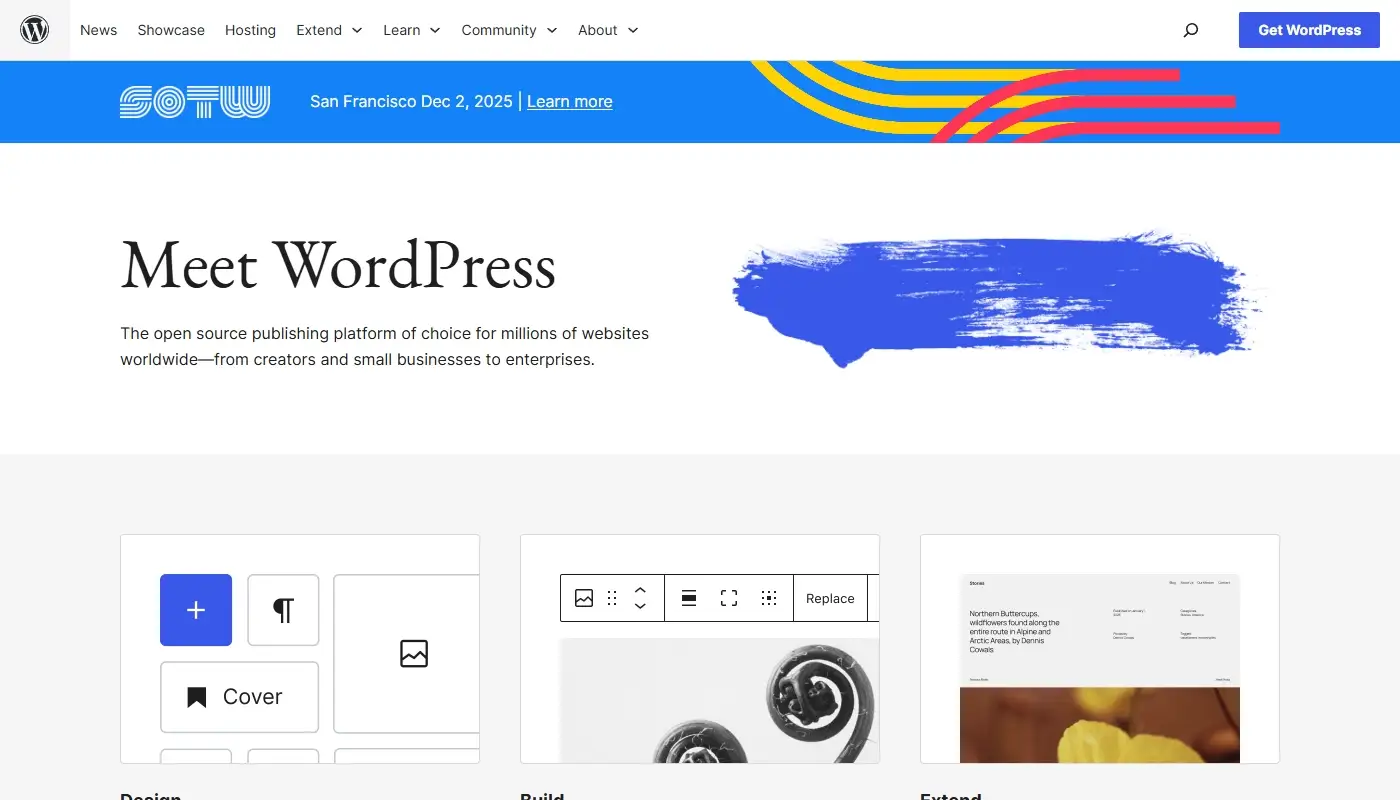
If you want more than another closed website builder, self-hosted WordPress.org is the most important alternative to consider. It is open-source software that can be installed with many different hosting providers. You control the hosting relationship, can change themes or developers and are not tied to one company’s editor or roadmap.
What makes WordPress a top Weebly alternative?
- A huge ecosystem of themes, block patterns, page builders and plugins.
- Strong support for blogs, editorial sites, multilingual content, directories and large page libraries.
- Plugins for SEO, eCommerce, memberships, courses, forms, bookings and almost any specialized workflow.
- More freedom to customize code, databases, hosting and performance infrastructure.
- Built-in content export for posts, pages, comments, custom fields, terms, menus and custom post types.
- The ability to move the site between hosts without rebuilding the content from scratch.
WordPress itself is free, but a professional implementation is not automatically cheap. You need hosting, backups, security, updates and a disciplined approach to plugins. Premium themes, builders and extensions can add recurring costs. A poorly maintained WordPress site can become slower and less secure than a hosted builder, so the platform rewards active ownership rather than removing responsibility.
When WordPress is the right choice
WordPress is a smart destination if:
- Your website is a central, long-term business asset.
- You plan to grow through publishing, SEO and a large content architecture.
- You need custom integrations or workflows that hosted builders cannot support cleanly.
- You want to choose your own host and retain maximum technical control.
- You have access to a developer, agency or technically confident site manager.
For a small owner-managed site, WordPress can be more platform than necessary. For an organization that needs ownership, publishing depth and a flexible integration layer, it is often the strongest long-term move away from Weebly.
Squarespace: A Design-First Alternative for Brands and Creators

For photographers, designers, consultants, studios, restaurants and other visually driven brands, Squarespace remains one of the most attractive Weebly alternatives. Its strength is not unlimited customization. It is the ability to create a polished, consistent website without making hundreds of design decisions.
Why Squarespace appeals to Weebly users
- Polished templates and a cohesive design system with strong typography.
- Fluid Engine, which lets users arrange blocks on a flexible grid and create more dynamic layouts than Weebly.
- Built-in blogging, portfolios, galleries, products, service sales and digital content tools.
- Support for scheduling through Acuity and appointment blocks.
- Commerce options for physical products, services, subscriptions and selected digital products.
- A relatively streamlined dashboard with fewer moving parts than WordPress.
Squarespace is more structured than Wix and much less extensible than WordPress. That structure can be an advantage for a small team that wants a beautiful result without assembling a site from many plugins. It also reduces the risk of inconsistent layouts across pages.
When Squarespace is the best fit
Consider Squarespace if:
- The main job of the site is to present a brand, portfolio, menu or body of work beautifully.
- You want stronger design than Weebly but do not need the freedom of Webflow.
- You need blogging, appointments or modest eCommerce in one managed environment.
- You prefer a curated platform over a large app marketplace.
Squarespace is less suitable when the project requires highly specialized integrations, unusual database logic or a very complex store. For portfolio-style, service-based and content-led sites, however, it can feel like a clear visual and editorial upgrade from Weebly.
Shopify: For Weebly Stores That Need a Dedicated Commerce Platform

If the main reason you are leaving Weebly is that the store has become too important or too complicated, a general-purpose website builder may no longer be the right destination. Shopify is designed around commerce first, with content and presentation supporting the product catalog and checkout.
Why Shopify is a strong choice for stores
- Robust product, variant and inventory management across locations.
- Flexible shipping, pickup, tax and international selling tools.
- A large app ecosystem focused on merchandising, subscriptions, fulfillment, reviews, upsells and automation.
- Themes designed specifically for product discovery and conversion.
- Shopify POS for businesses that also sell in person.
- Established migration workflows for importing product and customer data from other systems.
Shopify is not automatically the cheapest option. Apps, premium themes, payment-related costs and development work can make the total stack significantly more expensive than a basic Weebly store. The benefit is that you are paying for a platform centered on retail operations rather than stretching a simple builder beyond its intended role.
When Shopify is the right Weebly alternative
Shopify is a good fit if:
- Your website is primarily a store rather than a brochure or publication.
- You have a growing catalog, multiple locations or complex fulfillment requirements.
- You want to invest in conversion optimization and specialized commerce apps.
- You need a platform that can support larger order volumes and operational complexity.
If content, editorial storytelling or elaborate service pages are the center of the site, Shopify can feel restrictive compared with Wix, WordPress or Webflow. If products and checkout are the center, it is usually a much stronger replacement for Weebly’s store tools.
Webflow: For Design-Driven and Semi-Technical Teams
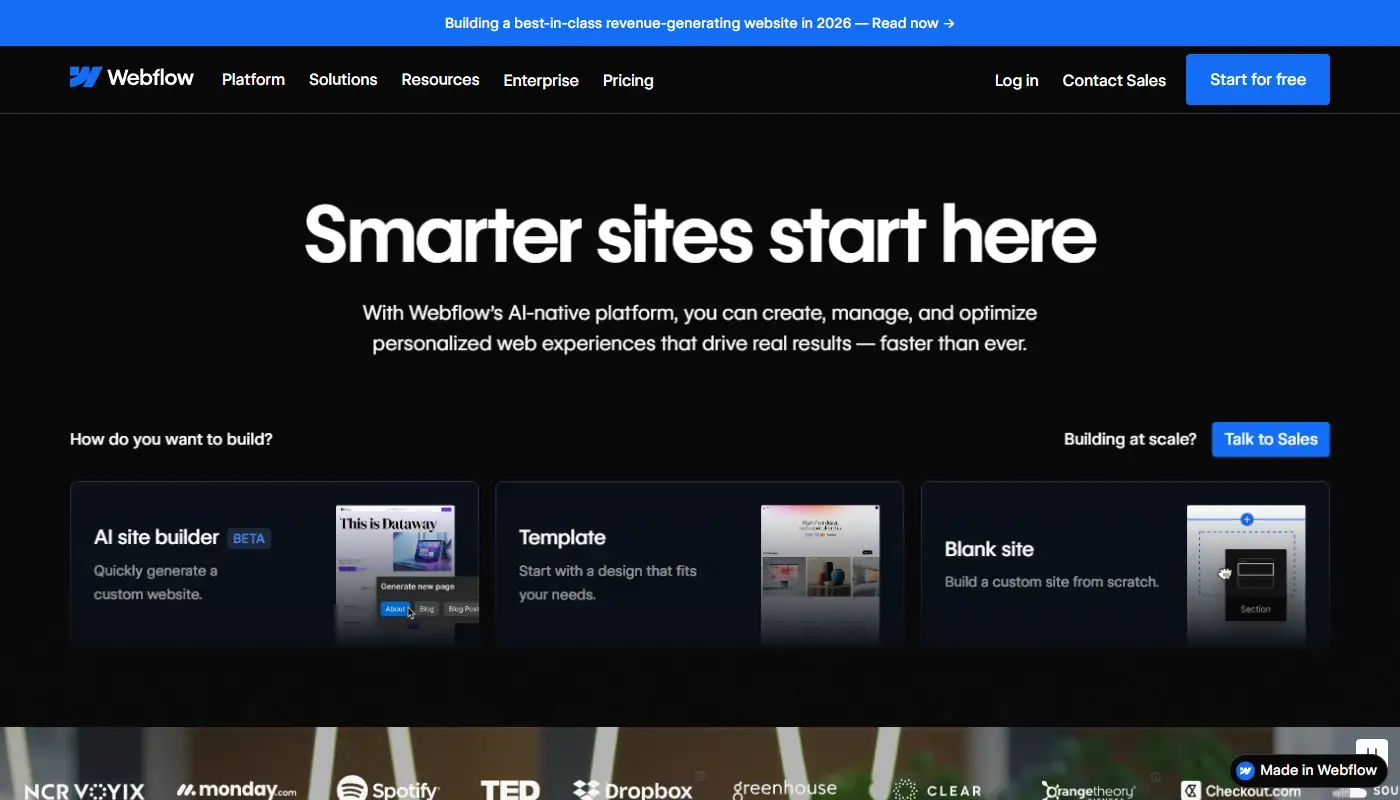
For some teams, Weebly’s main limitation is not the number of templates but the inability to control structure, responsive behavior and interactions in a professional way. Webflow addresses that problem by bringing many front-end design concepts into a visual interface.
How Webflow differs from Weebly
- Visual control over layout, classes, responsive breakpoints and reusable design systems.
- A structured CMS with collections, custom fields and automatically generated collection pages.
- Advanced visual interactions and GSAP-powered animation tools.
- Integrated hosting, staging and publishing workflows.
- Localization tools for multilingual and region-specific versions of a site.
- Options for importing structured CMS content through CSV files.
Webflow sits between a classic no-code builder and front-end development. It does not require users to write every line of HTML and CSS, but it makes much more sense when they understand concepts such as containers, classes, flexbox, grid and breakpoints. That is a major leap from Weebly’s block-based simplicity.
When Webflow makes sense
Webflow can be a strong post-Weebly home if:
- You or your team have design and front-end knowledge.
- You want a bespoke marketing site with controlled responsive behavior.
- You need structured content collections and dynamic templates.
- Interactions and motion are meaningful parts of the brand experience.
- You want managed hosting but more technical design control than Wix or Squarespace.
For an owner who only wants to edit opening hours and upload a few photos, Webflow may be unnecessary. For an agency, startup or design-conscious marketing team, it offers one of the clearest escapes from Weebly’s visual limitations.
Square Online: Best When Square Is Already the Operating System

If you originally chose Weebly because of its relationship with Square, the most direct operational move may be Square Online. It is built for businesses that want their website, catalog, online orders, inventory and point-of-sale system to work together.
Why Square Online belongs on the list
- Close synchronization between the online catalog and Square point-of-sale tools.
- Online ordering and fulfillment workflows for restaurants and local retailers.
- Customer accounts, order notifications and integrated payment management.
- Simple website and ordering-page options for businesses that do not need a complex content system.
- A practical path for businesses already using Square for in-person sales.
Square Online is not a direct competitor to Wix, WordPress or Webflow in design flexibility. Its advantage is operational alignment. A café may care more about menu updates reaching the online ordering page and POS than about sophisticated animation or dynamic editorial content.
When Square Online is a good Weebly alternative
Consider Square Online if:
- You already use Square POS, inventory or payments.
- You operate a restaurant, café, salon, shop or other location-based business.
- Online ordering, pickup and local operations matter more than deep customization.
- You want a focused commerce site with a relatively simple catalog.
It is a pragmatic choice for a Square-centered business, but it may reproduce some of the same design and content limitations that encouraged you to leave Weebly. Choose it for integration with operations, not because it is the most flexible website builder.
Best Weebly Alternatives Compared Side by Side
The strongest platforms serve different types of projects. This updated comparison focuses on the factors that matter after a Weebly migration:
| Platform | Best For | Design & Growth | Ease of Use | Portability |
| Wix | Small and midsize businesses wanting a managed upgrade | High within the Wix ecosystem; strong AI, apps and business tools | Beginner-friendly, but the editor includes many options | Proprietary; a future move usually requires rebuilding |
| WordPress.org | Content-heavy, SEO-led and highly customized sites | Very high through themes, plugins and custom development | Moderate; hosting and maintenance require attention | High; content and installations can move between hosts |
| Squarespace | Portfolios, creators, service businesses and polished brand sites | Moderate to high; cohesive but more structured | High; streamlined visual editing | Proprietary; content export has limitations |
| Shopify | Product-led businesses and serious eCommerce | Very high for commerce; less flexible for editorial design | Moderate; workflows are optimized for merchants | Proprietary, but major data types can be exported |
| Webflow | Agencies and design-led teams with technical confidence | High for custom design, CMS and interactions | Steep for non-technical users | Proprietary hosting; some code and CMS data can be exported |
| Square Online | Local businesses already using Square POS | Moderate; focused on operations and simple commerce | High for catalogs and ordering | Closely tied to the Square ecosystem |
No platform wins every category. Wix is usually the most balanced hosted replacement, WordPress offers the most ownership, Squarespace emphasizes presentation, Shopify leads when commerce is central, Webflow gives designers more control, and Square Online makes sense when Square already runs the business.
What to Check Before Choosing a Replacement
A polished demo can make almost any platform look suitable. Before committing, test the tasks your real website must perform. Build one representative service page, one blog post, one product or booking flow and one mobile layout. Then compare the following:
- Content: Can it support the number and type of pages you expect to publish?
- Design: Can you reproduce the brand without custom-code workarounds?
- Mobile: Can you correct tablet and phone layouts when automatic behavior is not enough?
- SEO: Can you control titles, descriptions, URLs, redirects, canonicals and structured data?
- Integrations: Does it connect to the CRM, email, payments and analytics tools you actually use?
- Operations: Can non-technical team members update content safely?
- Cost: What is the total price after apps, themes, transaction fees, email and maintenance?
- Exit plan: What data can you export if the platform no longer fits?
This exercise prevents a common migration mistake: choosing a platform because it solves the one Weebly problem that feels most urgent while ignoring the rest of the site’s requirements.
How to Migrate from Weebly Without Losing SEO or Content
A successful migration is not a direct copy of the old website. It is a controlled replacement in which every important page, asset and business function has a destination.
1. Create a complete inventory
List all public URLs, page titles, meta descriptions, blog posts, downloadable files, forms, products, categories and integrations. Export available product or customer data separately where possible, and download the Weebly site archive as an additional reference. Keep copies of original images rather than relying only on compressed versions from the live site.
2. Decide what should be migrated, merged or removed
Old websites often contain duplicate service pages, outdated offers, thin blog posts and navigation items that no longer support the business. Map every useful URL to a new destination. Pages without value can be consolidated, but do not delete URLs that still receive traffic or backlinks without creating an appropriate redirect.
3. Rebuild the structure before polishing the design
Create the navigation, page hierarchy, content collections, store categories and templates first. This reveals whether the new platform can support the site architecture before you spend time matching colors, animations and typography.
4. Preserve important URLs where practical
Keeping the same slugs reduces risk, especially for high-performing pages. When a URL must change, configure a permanent 301 redirect from the old address to the closest relevant new page. Prepare the redirect list before connecting the domain so it can be tested immediately after launch.
5. Test business-critical functions
Submit every form, complete test purchases, check confirmation emails, verify analytics, inspect mobile pages and confirm that legal, privacy and cookie tools work as expected. A migration is not complete when the homepage looks correct; it is complete when the site’s workflows function reliably.
6. Monitor the site after launch
Check crawl errors, indexing, traffic, rankings, conversion tracking and order or lead volume. Fix broken links and missing redirects quickly. Some fluctuation is normal after a redesign, but large unexplained drops usually indicate a technical or content-mapping problem that should not be ignored.
How to Choose Your Post-Weebly Future
It is tempting to choose the platform that feels easiest during a short trial. A more useful question is:
“Which platform will still make sense when the website is twice as important as it is today?”
A practical decision framework looks like this:
- Choose Wix when you want the most balanced all-in-one upgrade with better design, apps, AI and business tools.
- Choose WordPress.org when ownership, content scale, custom integrations and long-term flexibility matter most.
- Choose Squarespace when visual consistency, portfolios, service presentation and a streamlined workflow are the priorities.
- Choose Shopify when the website is fundamentally a retail operation.
- Choose Webflow when a design-capable team needs responsive precision, CMS structure and advanced interactions.
- Choose Square Online when your POS, inventory and online ordering already revolve around Square.
For most new small-business sites leaving Weebly, Wix will be the easiest meaningful upgrade. It preserves the managed-builder experience while offering substantially more design and functional headroom. WordPress is the stronger choice when the website is a major publishing or technology asset. Shopify is the clear specialist when product sales dominate the project.
Final Verdict
Weebly is not suddenly unusable. An existing brochure site or small Square-connected store can continue to operate successfully if its requirements are stable. The reason to migrate is not fashion; it is a measurable mismatch between what the business needs and what the platform can comfortably deliver.
When that mismatch appears, moving sooner can be easier than waiting. Content libraries, product catalogs, customer records and SEO value become more complicated to transfer as they grow. A planned migration also gives you the opportunity to remove outdated content, simplify navigation, improve mobile usability and build more reliable conversion paths.
Treat the move as a strategic rebuild rather than a mechanical copy. Select the destination around the future business model, preserve valuable URLs and data, and test every workflow before the domain is switched. Done properly, leaving Weebly is not merely a platform change. It is a chance to turn a site that has reached its limits into one that can support the next stage of growth.