If you’ve been on Weebly for a while, you’ve probably felt it: the platform is easy to start with, but it doesn’t feel very modern anymore. Templates are limited, the app ecosystem is small, and updates are less frequent than today’s faster-moving website platforms. At some point, many site owners begin to ask the same question:
“What are the best Weebly alternatives, and where should I move my site?”
The good news: you have real options. The challenge: they’re not all designed for the same kind of project or business. In this article, we’ll walk through the leading Weebly alternatives, explain what each one is really good at, and help you choose a platform that feels like a genuine upgrade – not just another temporary stop.
Why People Move Away from Weebly
Most migrations don’t start with a technical problem. They start with friction:
- The site looks dated compared to competitors.
- You can’t get the layout you want without fighting the editor.
- The tools you use (CRM, email, analytics, booking, etc.) don’t integrate properly.
- You want better SEO, performance, and more control over the site’s future.
Weebly is designed for “get online fast,” not “keep growing and evolving for years.” Once your website becomes tied to serious marketing, lead generation, or sales, those limitations stop being theoretical and start costing you opportunities.
That’s when it’s time to look seriously at alternatives.
Read also: Weebly In-Depth Review
Wix: The Most Natural “Level-Up” from Weebly
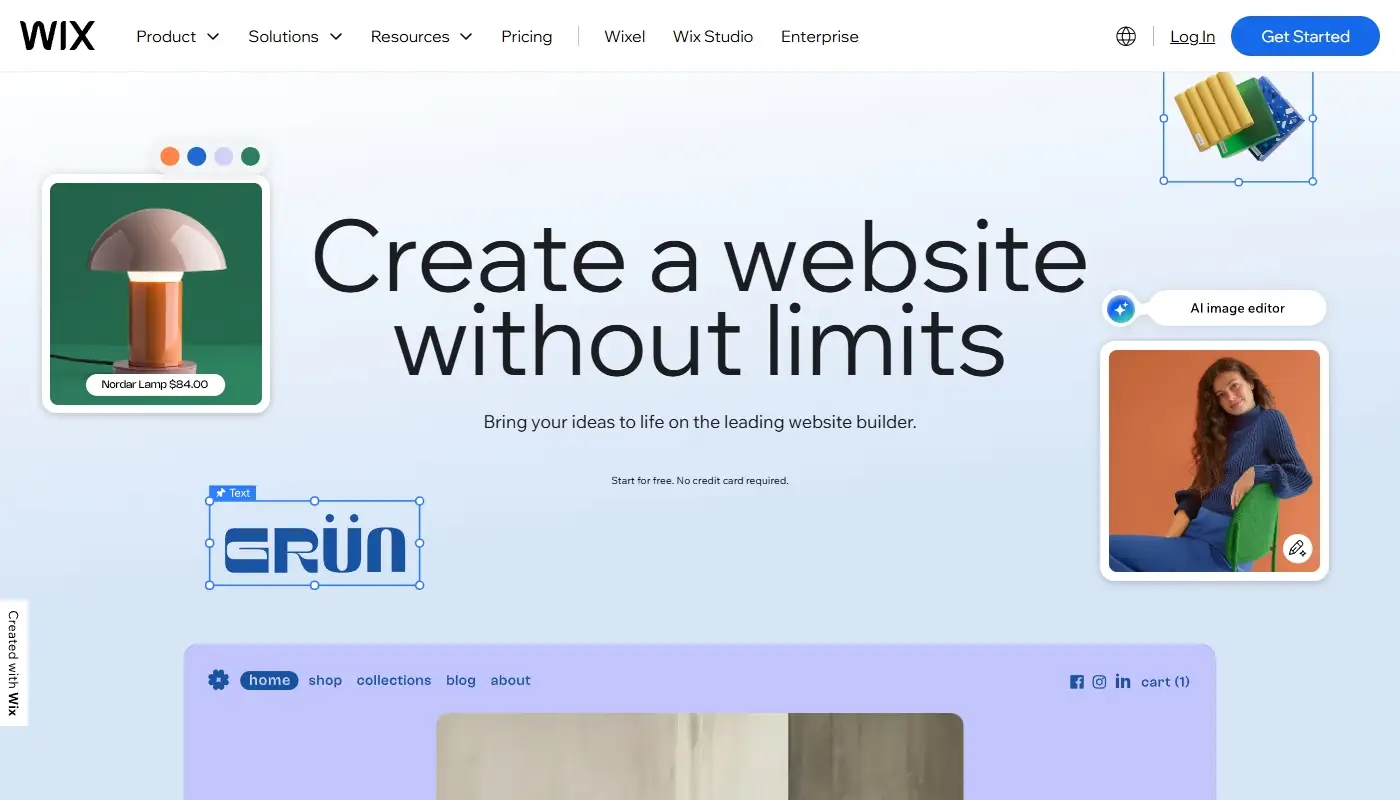
If you like the hosted, drag-and-drop model but feel like Weebly is holding you back, Wix is often the most natural upgrade path.
What makes Wix a strong Weebly alternative?
- A much larger, more modern template library across almost every niche.
- A more powerful visual editor with finer control over layout, spacing and design details.
- A richer App Market with booking systems, marketing tools, dynamic content, events, and more.
- Built-in support for blogging, eCommerce, portfolios, and service-based businesses.
- Active development and feature releases, including AI-assisted tools and advanced design modes.
The overall feel is: same basic idea as Weebly, but with more headroom. You still don’t manage servers or install software, but you get far more creative and functional freedom before you hit any hard limits.
Read also: Wix Detailed Review
When Wix makes the most sense
Wix is especially good if:
- You want your site to look professionally designed, not just “fine.”
- You plan to rely on your website for leads, bookings or direct sales.
- You’d like to expand functionality over time using apps and integrations.
- You’re ready to spend a bit more time learning the editor in exchange for much better results.
If you’re moving away from Weebly because you’ve outgrown it, Wix often feels like the “Weebly you wish you had from the start.”
Read more: Detailed Comparison — Weebly vs Wix
WordPress (Self-Hosted): Maximum Flexibility and Ownership
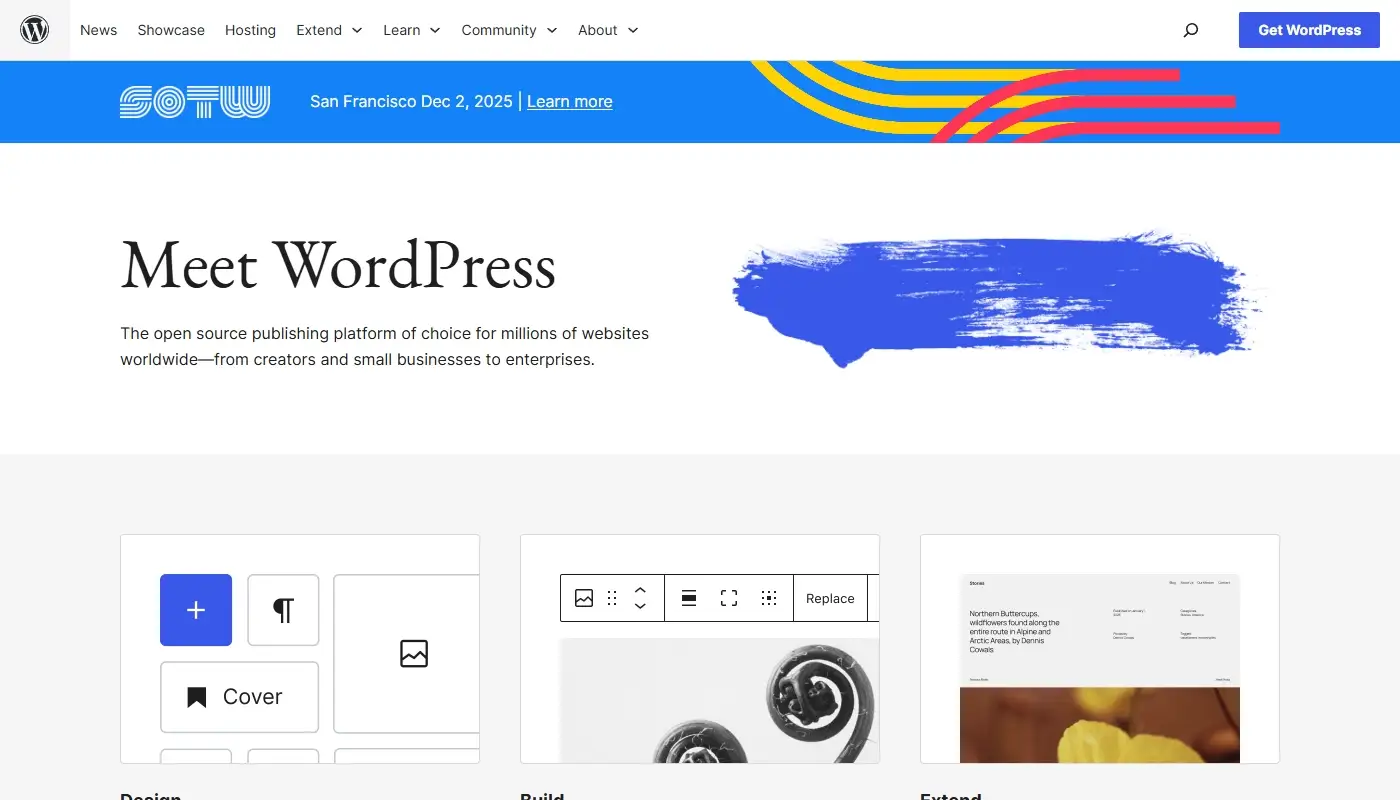
If you want more than a builder—if you want a platform—you’ll eventually look at WordPress.org (self-hosted WordPress).
What makes WordPress a top Weebly alternative?
- It’s open source, so you’re not locked into one company’s hosting, pricing or roadmap.
- You can choose from thousands of themes and customize them deeply.
- Plugins cover almost any need: SEO, eCommerce, memberships, bookings, courses, multilingual sites and more.
- It’s built to handle large content libraries, complex site structures, and SEO-heavy strategies.
You’ll manage hosting (often via a WordPress-friendly provider), keep the core and plugins up to date, and think about backups and security. That’s more responsibility than Weebly, but the reward is long-term control and scalability.
When WordPress is the right choice
WordPress is a smart destination if:
- Your website is a central business asset, not just an online business card.
- You want strong SEO foundations and plan to grow via content.
- You need integrations and workflows that closed builders can’t easily provide.
- You want the ability to move between hosts or redesign without losing your content.
If you’re ready to trade some simplicity for serious power and independence, WordPress is a major step up from Weebly.
Squarespace: Design-First Alternative for Content-Heavy Sites

For visually driven brands – photographers, designers, consultants, studios, restaurants – Squarespace often lands on the shortlist.
Why Squarespace appeals to Weebly users
- Beautiful, polished templates that look current right out of the box.
- Built-in tools for blogging, portfolios, simple stores, and scheduling (on specific plans).
- A more cohesive design system than Weebly, with stronger typography and layout options.
- Intuitive editing experience with enough control for most small businesses without feeling overwhelming.
Squarespace trades raw flexibility for consistency and aesthetics. It’s more structured and opinionated than WordPress or even Wix, but in a way that makes it harder to create an ugly, disjointed site.
When Squarespace is the best fit
Consider Squarespace if:
- Your site’s main job is to present your work and brand beautifully.
- You don’t need highly custom functionality or complex integrations.
- You want blogging and simple eCommerce, but not a deeply engineered store.
- You value a clean editing experience and consistent design above everything else.
For many Weebly users with portfolio-style or content-first sites, Squarespace feels like a clean, modern upgrade.
Shopify: For Weebly Stores That Need Real eCommerce Muscle

If your main frustration with Weebly is its limited store features, you might not need a general site builder at all – you might need a dedicated eCommerce platform like Shopify.
Why Shopify is a strong choice for stores
- It’s built from the ground up for selling products online.
- Robust handling of inventory, variants, shipping rules, taxes and payment gateways.
- Large app ecosystem focused on conversions, marketing, upsells and automation.
- Themes designed specifically for product browsing and checkout optimization.
Compared to Weebly’s eCommerce tools, Shopify is more powerful, more specialized, and more deeply integrated into the wider online retail ecosystem.
When Shopify is the right Weebly alternative
Shopify is a good fit if:
- Your website is, above all, a store, not a blog or brochure.
- You want to invest in serious eCommerce features as you grow.
- You’re comfortable letting content play a supporting role to your product catalog.
If you’ve been trying to run a “real” online store on Weebly and constantly run into limitations, moving to Shopify can feel like finally using a tool that speaks your language.
Webflow: For Design-Driven, Semi-Technical Teams
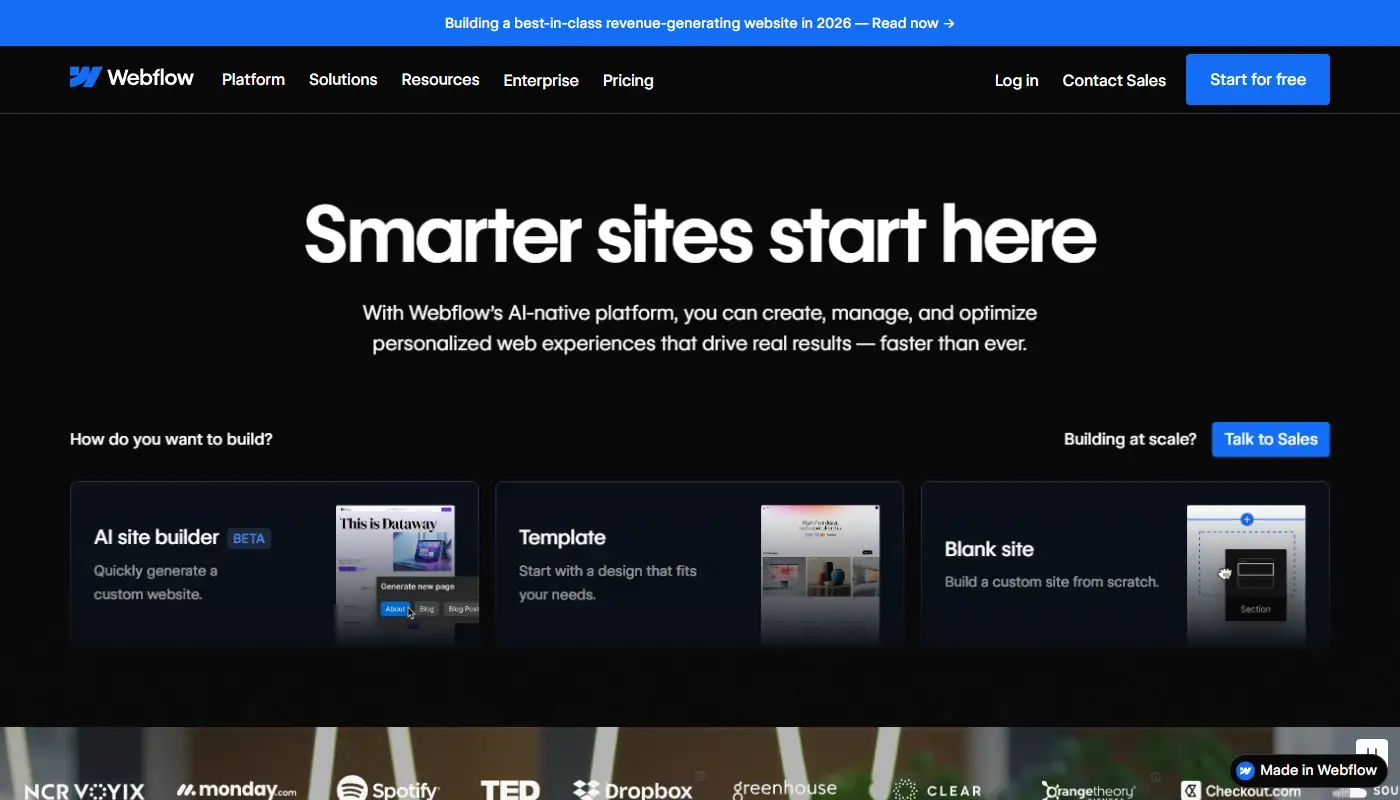
For some teams, Weebly’s problem isn’t just limited templates – it’s the inability to execute truly custom layouts and interactions visually. That’s where Webflow comes in.
How Webflow differs from Weebly
- It gives you near front-end – level control over layout, styles, and interactions through a visual interface.
- You can create highly custom designs without hand-coding every detail (though understanding HTML/CSS concepts helps a lot).
- Built-in CMS features let you manage dynamic content collections.
- Hosting is integrated, so you still avoid server-level work.
Webflow positions itself between classic site builders and traditional development. It exposes structure and CSS-like controls instead of hiding them behind simple blocks.
When Webflow makes sense
Webflow can be a good post-Weebly home if:
- You or your team have design and/or technical experience.
- You want pixel-level control and advanced animations or interactions.
- You’re building marketing or content sites where bespoke design really matters.
For a typical small business owner with no design or tech support, Webflow may feel like overkill. But for agencies and design-focused teams, it’s a powerful way to escape Weebly’s constraints without jumping straight into full custom development.
Square Online: A Natural Move if You’re Deep in the Square Ecosystem

If you started on Weebly because it integrated with Square for POS and payments, you might naturally look at Square Online as your next step.
Why Square Online is on the list
- Tight integration with Square POS for in-person and online sales.
- Simple tools for menus, services, and product catalogs.
- Reasonable templates for restaurants, local businesses and small retailers.
It’s not as flexible as Wix or WordPress, but it offers a smoother experience if your real “home base” is your physical location and Square is already at the center of your operations.
When Square Online is a good Weebly alternative
Consider Square Online if:
- You’re a local business using Square already (cafés, restaurants, shops, salons).
- You want online ordering or simple eCommerce tightly tied to your POS.
- You don’t need complex content structures or heavy customization.
It’s a pragmatic option when your main priority is aligning online and offline sales rather than building a deeply customized website.
Best Weebly Alternatives Compared Side by Side
Here’s a quick overview to help you see the differences at a glance:
| Platform | Best For | Flexibility & Growth | Ease of Use | Lock-In Level |
| Wix | Small-mid businesses wanting a visual, hosted upgrade | High within Wix ecosystem | Beginner-friendly, rich editor | Proprietary, but with strong tools |
| WordPress.org | Content- and SEO-driven sites, serious long-term assets | Very high; themes & plugins | Moderate; more to learn | Low – open source, portable |
| Squarespace | Design-led brands, portfolios, simple stores | Moderate; structured but polished | High; streamlined experience | Proprietary templates/system |
| Shopify | Store-first businesses and serious eCommerce | High for commerce; content limited | Moderate; commerce-focused flows | Proprietary commerce stack |
| Webflow | Design-conscious teams with some technical comfort | High for design & CMS | Steep for non-technical users | Proprietary; hosted by Webflow |
| Square Online | Local businesses using Square POS | Moderate; oriented to small retail | High for simple catalogs | Tied to Square ecosystem |
No single platform wins for everyone. The “best” Weebly alternative is the one that fits your business model, your skills, and your growth plans.
How to Choose Your Post-Weebly Future
When you’re planning a move away from Weebly, it’s tempting to ask “Which platform is easiest?” A better question is:
“Which platform still makes sense when my website is twice as important as it is today?”
A simple way to frame it:
- If you want a hosted builder with more power, modern design, and a big app ecosystem, prioritize Wix.
- If you want maximum flexibility, SEO strength, and ownership, look closely at WordPress.
- If your brand lives and dies on visual presentation, consider Squarespace or Webflow (depending on how technical you’re willing to get).
- If your site is really about selling products, Shopify or a strong Wix store may be more appropriate than any general-purpose builder.
- If your world revolves around Square POS, Square Online is a practical, focused choice.
Whichever route you take, treat migration as a strategic upgrade, not just a copy-paste exercise. It’s a chance to clean up your content, refresh your design, fix UX issues and align your site with how your business actually works today.